Visual choices
Photograph the actual options in front of you instead of typing a list.

SnapPick for iPhone
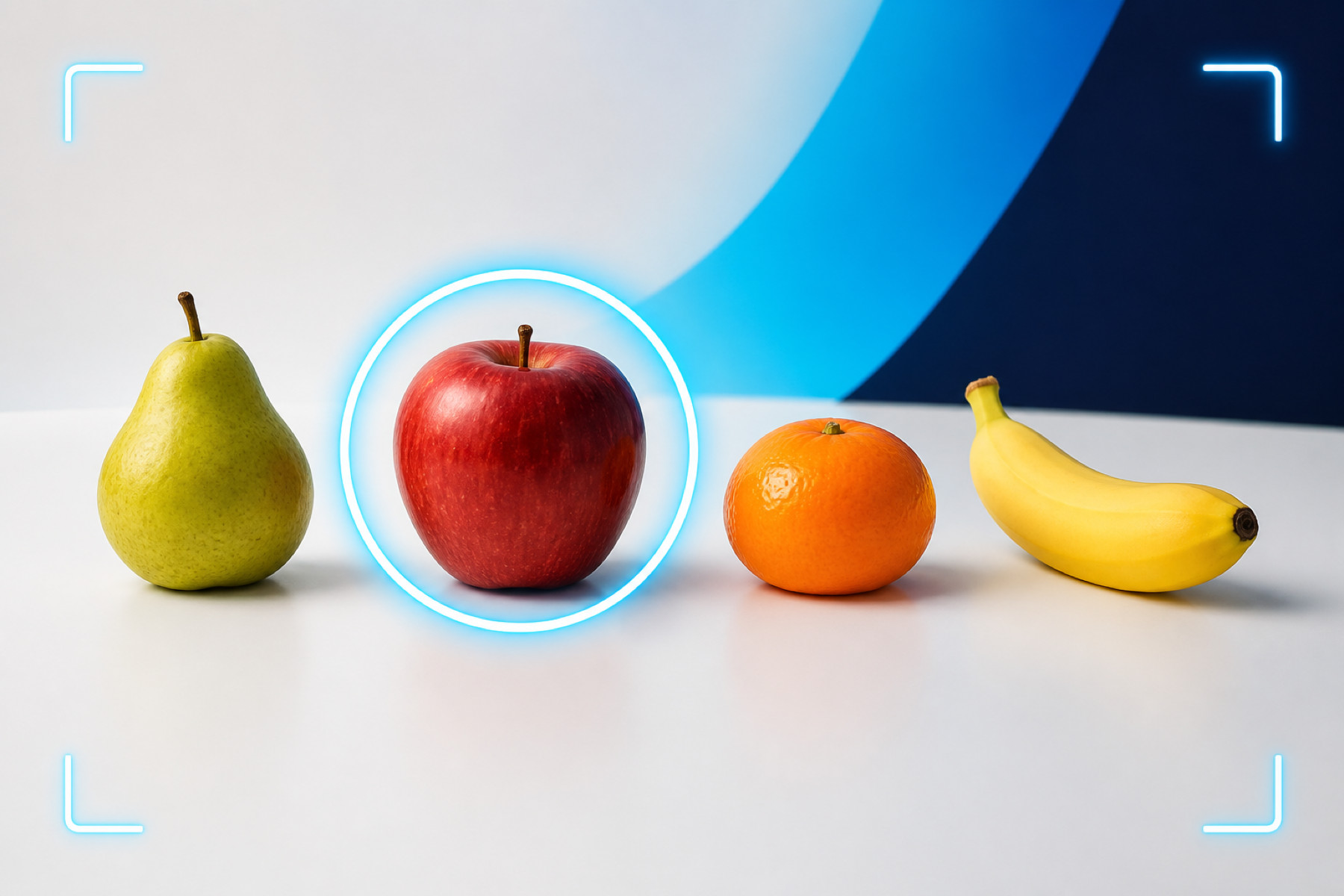
Photograph your options, tap Pick and let SnapPick make a quick, fair random choice.
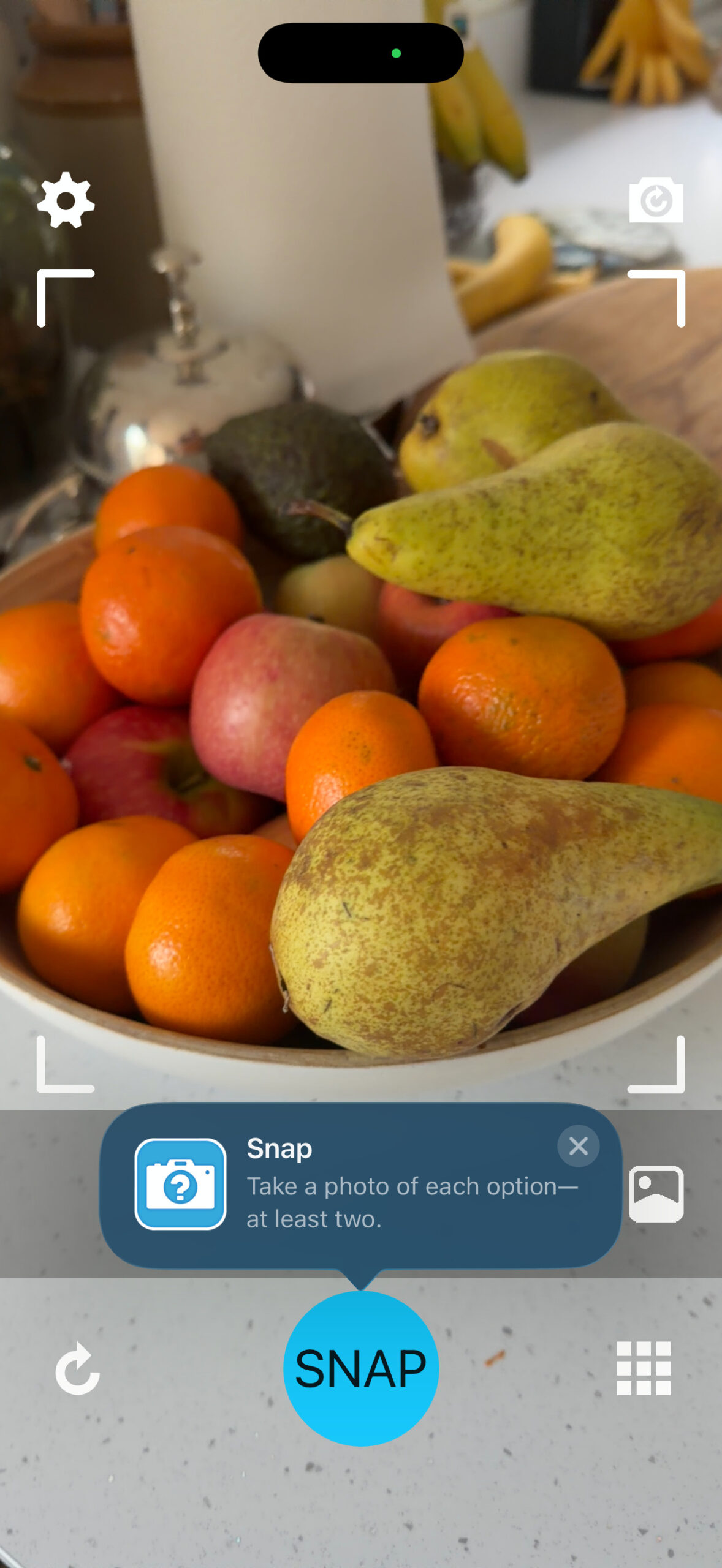
Photograph the actual options in front of you instead of typing a list.
Remove arguments and indecision with a quick random pick.
Make a Yes or No decision or roll a virtual six-sided die.
Send or save a visual record of the decision.
Simple by design
SnapPick keeps decision-making visual, immediate and impartial.
Photograph everything you are choosing between. The full app can also use existing photos from your library.
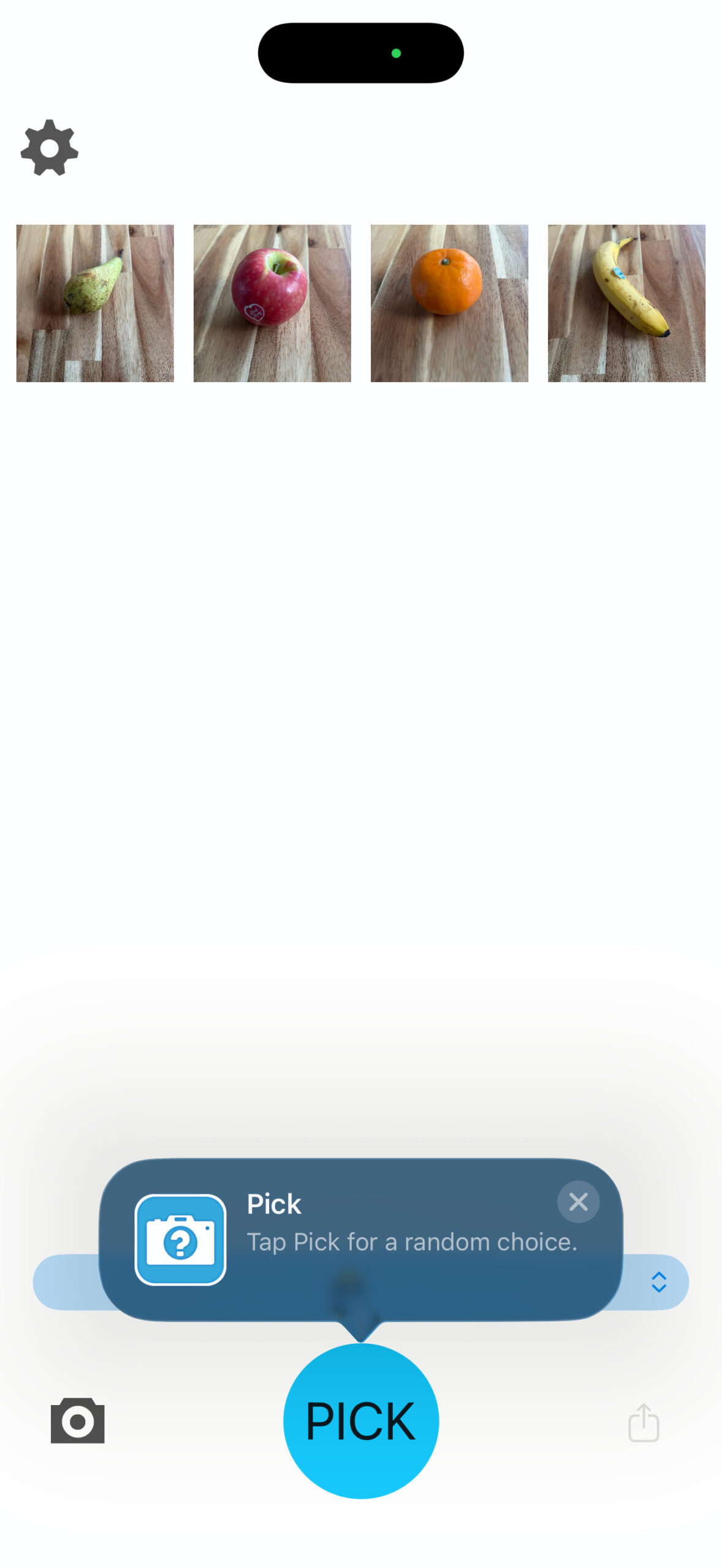
Once you have added everything you are considering, let SnapPick make a fair random selection.
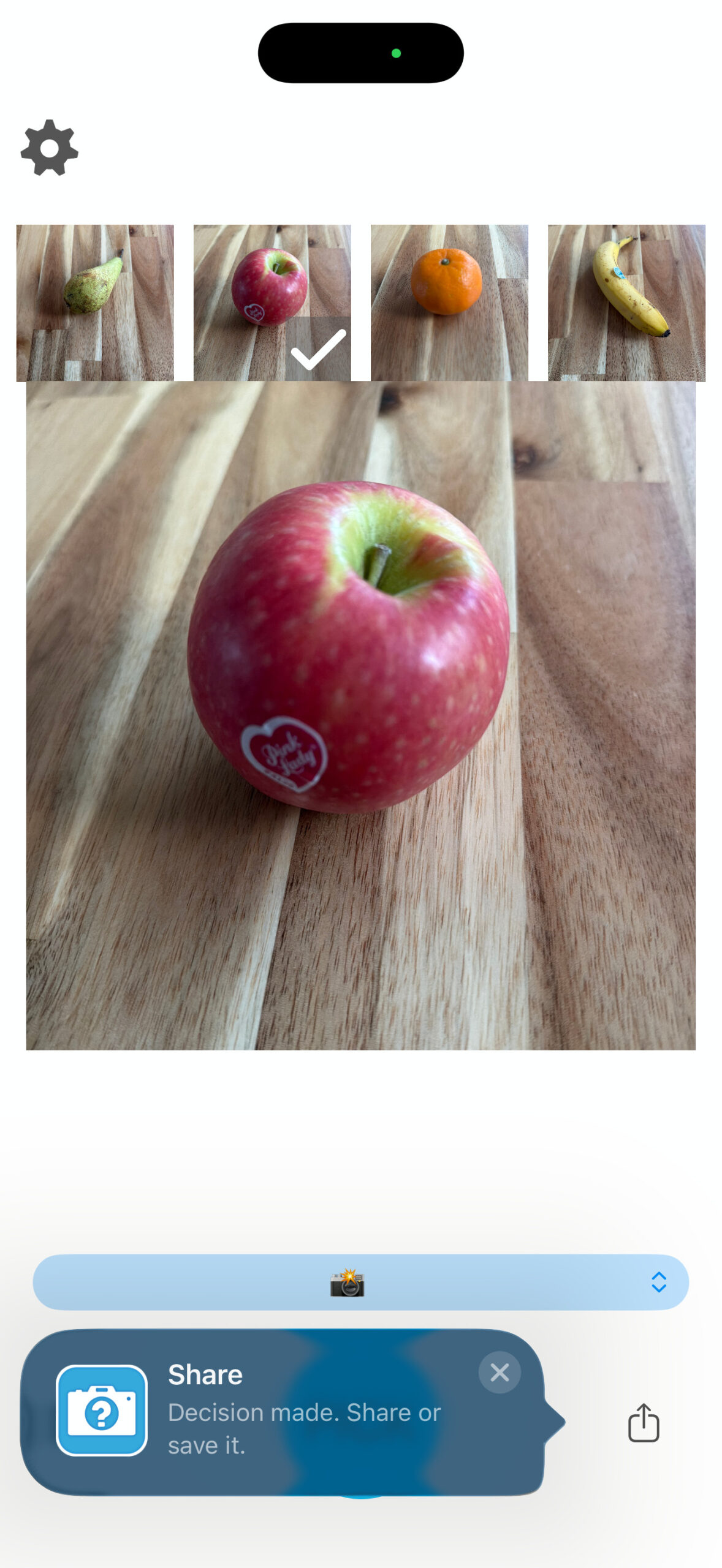
Keep a visual record of the decision or send the result using your favourite apps.
Made for everyday indecision
Photograph the meals, snacks or restaurants you are considering.
Compare outfits, shoes or accessories without endlessly reconsidering.
Give every activity a fair chance when a group cannot agree.
Randomly choose a player or establish a fair play order.
Use the built-in preset when you just need a quick answer.
Turn SnapPick into a visual six-sided die for games and everyday choices.
No camera needed
Some decisions do not need photographs. Choose the Yes or No preset, or use SnapPick as a six-sided die.
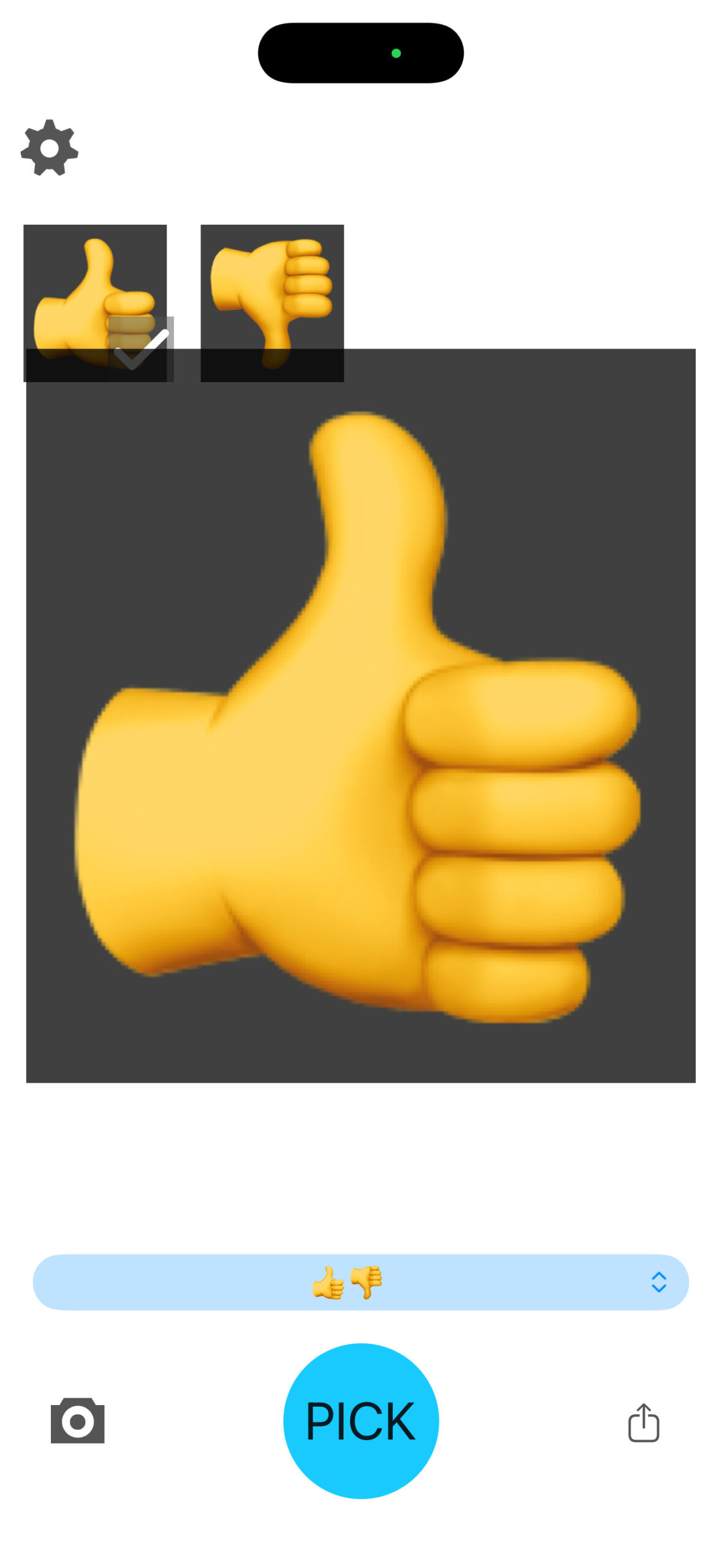
Two options. One instant answer.
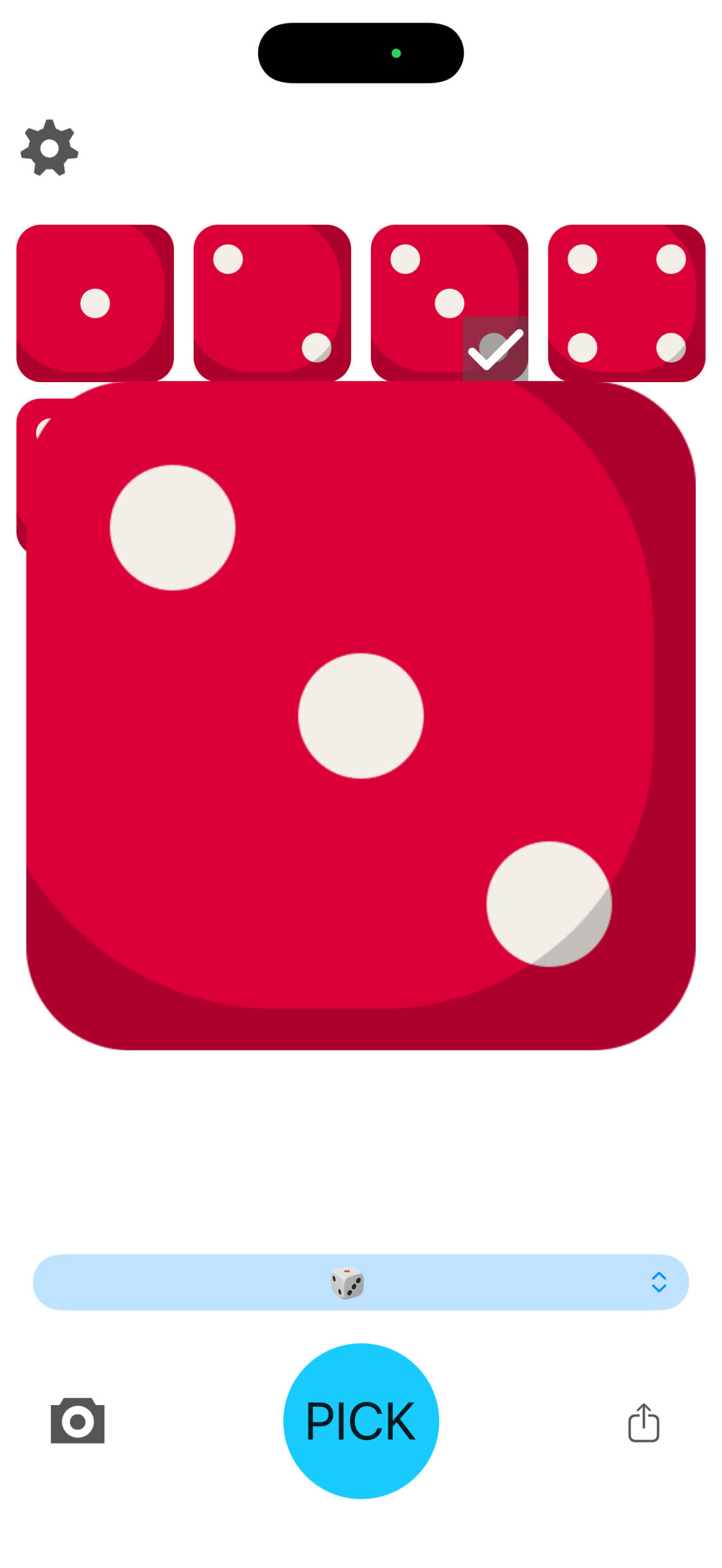
A visual dice roll with one tap.
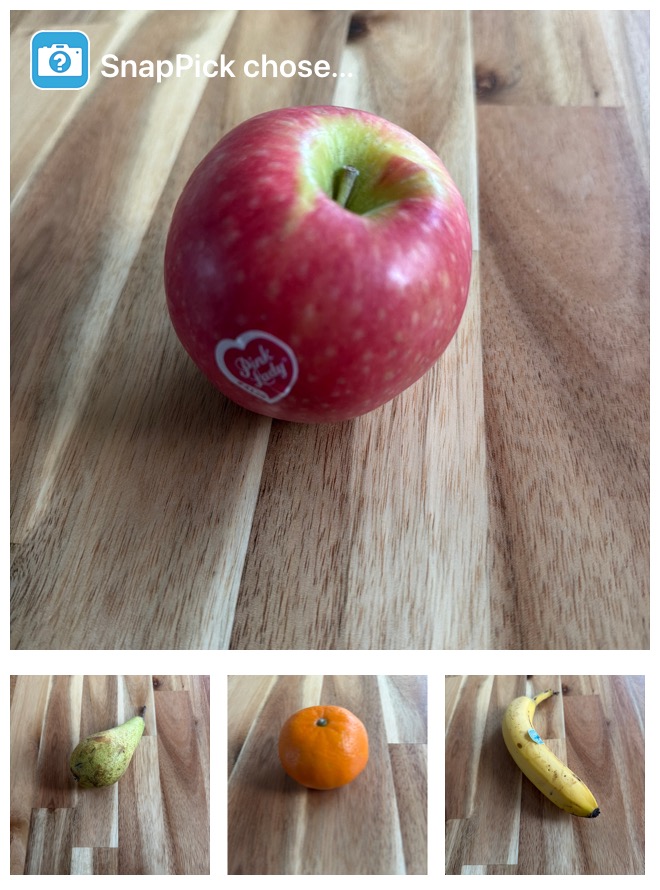
Decision made
SnapPick creates a visual result showing the chosen option alongside the alternatives.
Try it without installing
The SnapPick App Clip provides a lightweight way to photograph options, make a random pick and share the result without installing the full app first.
When you want SnapPick ready for every decision, get the paid full app. It also lets you choose existing photos from your library.
Made by Nuifish
SnapPick is developed by Nuifish, an independent software studio creating purposeful applications that solve specific problems without unnecessary accounts, advertising or subscriptions.
Privacy
SnapPick needs camera access to photograph options, but Nuifish does not receive those images or operate a server containing your decisions.
Effective date: 10 August 2026
SnapPick is a decision-making application developed by Nuifish Limited. This policy applies to the paid SnapPick iOS app and the SnapPick App Clip.
SnapPick does not require an account and does not ask you to provide personal information to Nuifish.
The SnapPick app and SnapPick App Clip use your device’s camera when you choose to photograph decision options. Camera images are processed on your device and are not sent to Nuifish.
The paid SnapPick app allows you to select existing photos from your photo library as decision options. The SnapPick App Clip does not access your photo library.
SnapPick stores application preferences, such as picking and guidance settings, locally on your device.
Photos used as options and generated decision images are processed locally. SnapPick does not operate an online account or Nuifish cloud service containing your photos or decisions.
Your device’s operating-system backup facilities may include locally stored application information, depending on your Apple backup settings.
You may choose to share or save a generated decision image using the iOS Share Sheet.
Sharing is initiated by you, and the image is sent only to the person, application or storage destination you select. Once shared, the receiving application or service controls that copy according to its own privacy practices.
The SnapPick App Clip provides a lightweight decision-making experience without requiring installation of the paid app. App Clip data is stored and managed on your device in accordance with Apple’s App Clip lifecycle.
The App Clip may display an Apple-provided link to the paid SnapPick app on the App Store.
SnapPick does not include third-party analytics, advertising networks or cross-app tracking. Nuifish does not monitor the photos you use or the decisions SnapPick makes.
SnapPick uses Apple-provided services for functions such as App Store purchasing, App Clips, system sharing and optional App Store review requests. Apple processes information required to provide those services according to Apple’s Privacy Policy .
SnapPick’s locally stored settings remain on your device until they are reset or the app is removed.
Deleting SnapPick removes its local application data from the device, subject to copies retained through Apple device backups. Images that you previously saved or shared must be deleted separately from the application or service where they were stored.
SnapPick is not directed specifically at children and does not knowingly collect personal information from children.
This Privacy Policy may be updated if SnapPick’s functionality or data practices change. The revised version will be published on this page with an updated effective date.
Questions about SnapPick or this Privacy Policy can be sent to info@nuifish.com.
Support
Answers to common questions about photographing, picking and sharing.
SnapPick needs at least two options before it can make a meaningful choice.
Yes. Open Settings and enable repeated picks. Turn it off when you want SnapPick to work through the options without repeating them.
Open Settings and enable guidance. Tips appear beside the controls they explain and can be dismissed using their close button or by using the relevant control.
The SnapPick App Clip does not provide photo-library selection. Get the paid full app to choose existing photos from your library.
No. SnapPick processes your options locally and does not upload them to Nuifish.
After making a Pick, tap the Share button and choose a destination from the iOS Share Sheet.
Still need help? Email info@nuifish.com.
Dice icons created by IconsNova – Flaticon.
Photograph the options. Tap Pick. Decide in a snap.
Get SnapPick on the App Store